Log in to your WordPress Dashboard In the left-hand menu >>
hover over Appearance and click on Customize >>
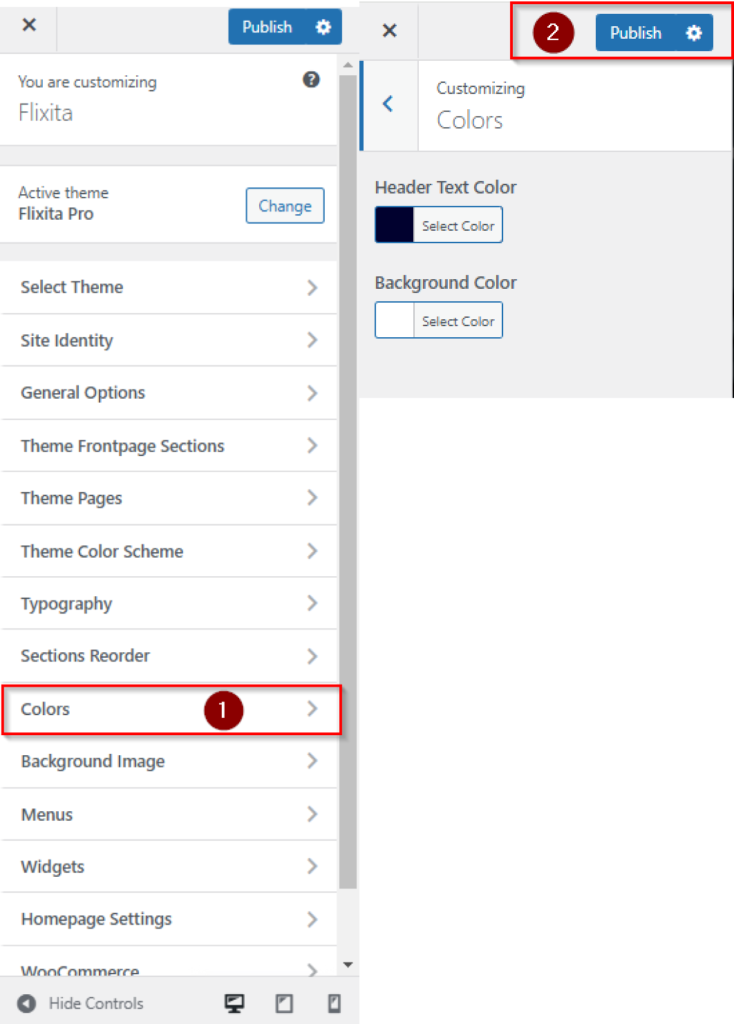
look for the Colors option in the left-hand menu >>
Under Colors, you may see options to change the Header Text Color and Background Color >>
set the Color then Publish button.